
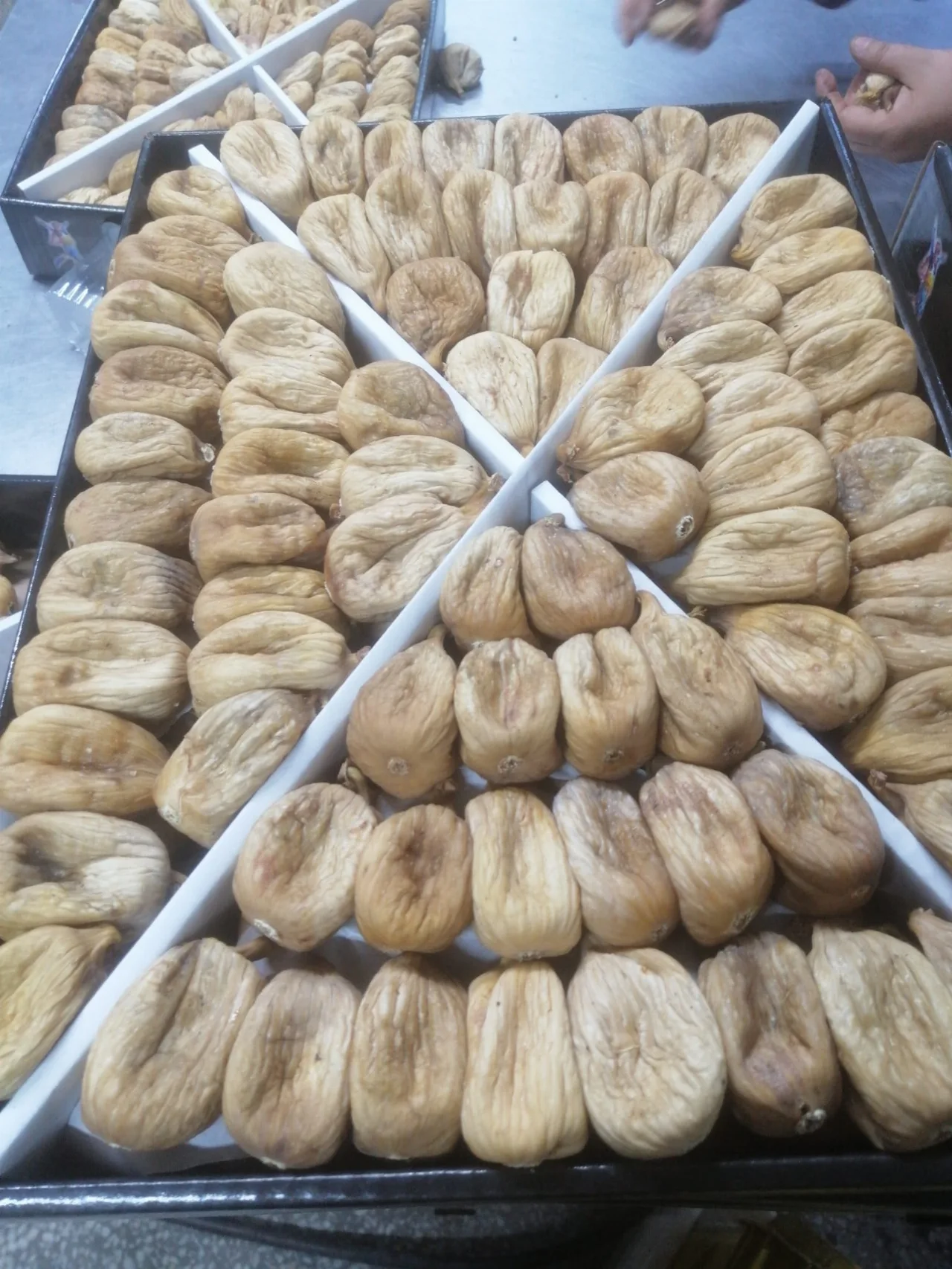
Use the product gallery more consciously: interpret the presentation, packaging and sectional details in the photo correctly.
What the photo tells and what it does not tell
The product photo gives the first idea about the appearance and presentation style of dried figs. However, scent, actual texture, exact quantity or current batch information cannot be accurately determined from an image alone. Light and screen settings can also affect color perception. So instead of using the photo as a substitute for all the product information, use it as a primer to determine the questions you will ask the company. Examining both the general view and the close-up of the same product gives a more balanced idea about the presentation.
Separate the arrangement and packaging details
Figs arranged in the box, basket arrangement and the bulk product can appeal to different usage expectations. Also ask whether the basket seen as decorative in a photo is in the order packaging. If there is more than one package in the image, find out which package the price or net quantity applies to. The transparent part of the packaging, the location of the label and the shape of the box are helpful details in the selection. It should not be assumed that these will be exactly the same upon delivery without receiving the current package confirmation.
Close-up section and form
The internal section of the fig makes the structure of the fruit visible. Comparing whole, half or sliced products can make it easier to think about usage. However, no definitive conclusions about safety or specific nutritional content can be drawn from the cross-sectional photograph. If you suspect anything unusual about the product, get information from the company. Examining the photo by enlarging it reveals details; but this process does not replace physical control of the actual conditions of the product.
Natural variation between batches
Since dried figs are a natural fruit, not every fruit is expected to have the same appearance. Differences in size, shape and color tone may occur. A shot in the gallery can introduce the brand's product offering; It does not show all the fruits of the party to be sent at that moment. If you need a specific presentation, it is more clear to ask for an up-to-date product image. This approach helps you clarify your order expectations without attaching too much meaning to the details in the photo.
Using the Bukharans gallery
By tapping on an image in the Bukharans photo gallery, you can open a larger view and move on to previous and next photos. Note the name of the presentation you are interested in and review its counterpart in the products section. Sharing the product link in a WhatsApp request helps show that they are talking about the same offering. Make the final decision by evaluating the photo, product description, current packaging and company confirmation together. The gallery is a space of recognition that facilitates this conversation.